Ask where you spend time
Cursor is editor-first: multiple models, inline diffs, Rules, Composer. Codex is OpenAI agent stack: ChatGPT, CLI, official extension, config around the Codex home.
There is no universal winner. Decide whether you click files in an editor, run long jobs in a terminal, or must stay in a ChatGPT workspace.
Ask which window you will stare at for an hour. That window is the product you should default to.
When Cursor is smoother
You already live in Cursor, want side-by-side diffs, switch models, and attach MCP to the current workspace.
The team already has Rules and a shared MCP config. Moving once is expensive.
Cursor is smoother when inline review and model switching are the job, and the team already has Rules.
- Editor review is non-negotiable.
- Rules and team config already exist.
When Codex is smoother
You want the same agent in a terminal, the official extension, and ChatGPT, and you want one brief, skill, and MCP set.
The team already pays for a ChatGPT workspace and does not want another editor seat. Check current plans yourself.
Codex is smoother when the same agent must appear in a terminal, ChatGPT, and an official extension.
- Terminal long jobs are the main path.
- You need to stay aligned with a ChatGPT workspace.
What both sides already do
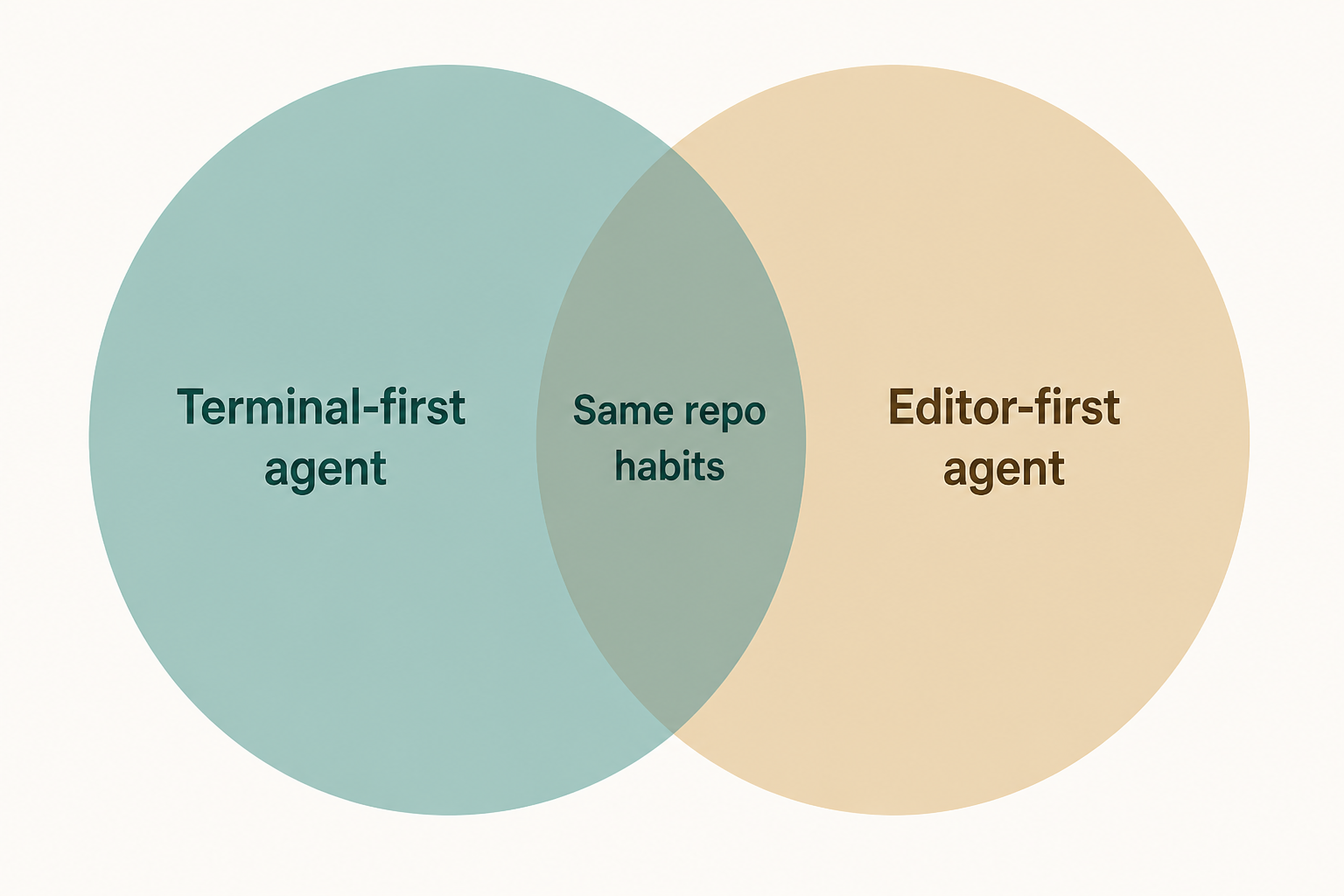
Both can read an AGENTS.md-style brief, load skills, and attach MCP. File locations differ.
Safety habits transfer: read-only before write, secrets out of the repo, merge only after a diff.
A filesystem MCP and a development skill can be tried on both sides. File locations will differ.
- Try the same filesystem MCP in both.
- Try the same development skill in both.
Running both without fighting
Use one brief as source of truth. Copy bans, do not write opposite rules.
Do not let two agents edit the same dirty tree at once.
- One brief as source of truth.
- One dirty tree, one agent at a time.
A practical close
If Cursor is already muscle memory, stay and bring the brief and skills over. If you dispatch from a terminal or ChatGPT, make Codex the default.
Do not switch mains every week for a comparison video. The cost is config and habit, not a slogan.
A week of real tasks beats a comparison video. Keep the door you actually open.
- Pick the surface you occupy longest.
- Run one small task as a side-by-side experiment.
A tiny side-by-side experiment
Give both sides the same three-line prompt on a throwaway branch. Compare the diff, not the marketing page.
If one side cannot even start, that is an install problem, not a quality score.
- Same prompt, throwaway branch.
- Compare diffs, not slogans.
Comparison mistakes
Scoring them from a single tweet thread is how teams churn config every Friday.
Inventing prices or secret model names does not help you pick a window.
- Weekly tool-switching.
- Invented prices.
Comparison checklist
Done means you can say which window you will open tomorrow.
- Name the window you occupy longest.
- One shared brief if you run both.
Next: a repair order when something breaks
Troubleshooting is the last chapter because you now have login, a brief, a skill, and maybe MCP to inspect.
If you already cannot log in, go there now.