Why a shell command is not always enough
MCP gives the agent structured tools: parameters, permission edges, repeatable calls. A one-off git or search command can stay a command.
MCP is worth it when you need a session, a login, or a writable-path limit. Ten servers installed for hype fill the context with schemas.
If a one-line git or test command is enough, keep it a command. MCP is for sessions, logins, or a writable-path limit.
How to add one server
Codex usually registers MCP in the local config file. Docs have also described a CLI add flow. Keep the name short English. Take command and args from that server project, not from memory.
An install snippet on this site is a starting point, not an audit. Swap in your paths and secrets.
Reload after you add it, then call one read-only tool. For stdio, run the same command in a terminal first.
A hedged add flow: copy command and args from that server project, register one short name in the local Codex config, reload, then call one read-only tool.
- Add one server.
- Keep the name short.
- Read-only first.
- Debug the process before you blame the model.
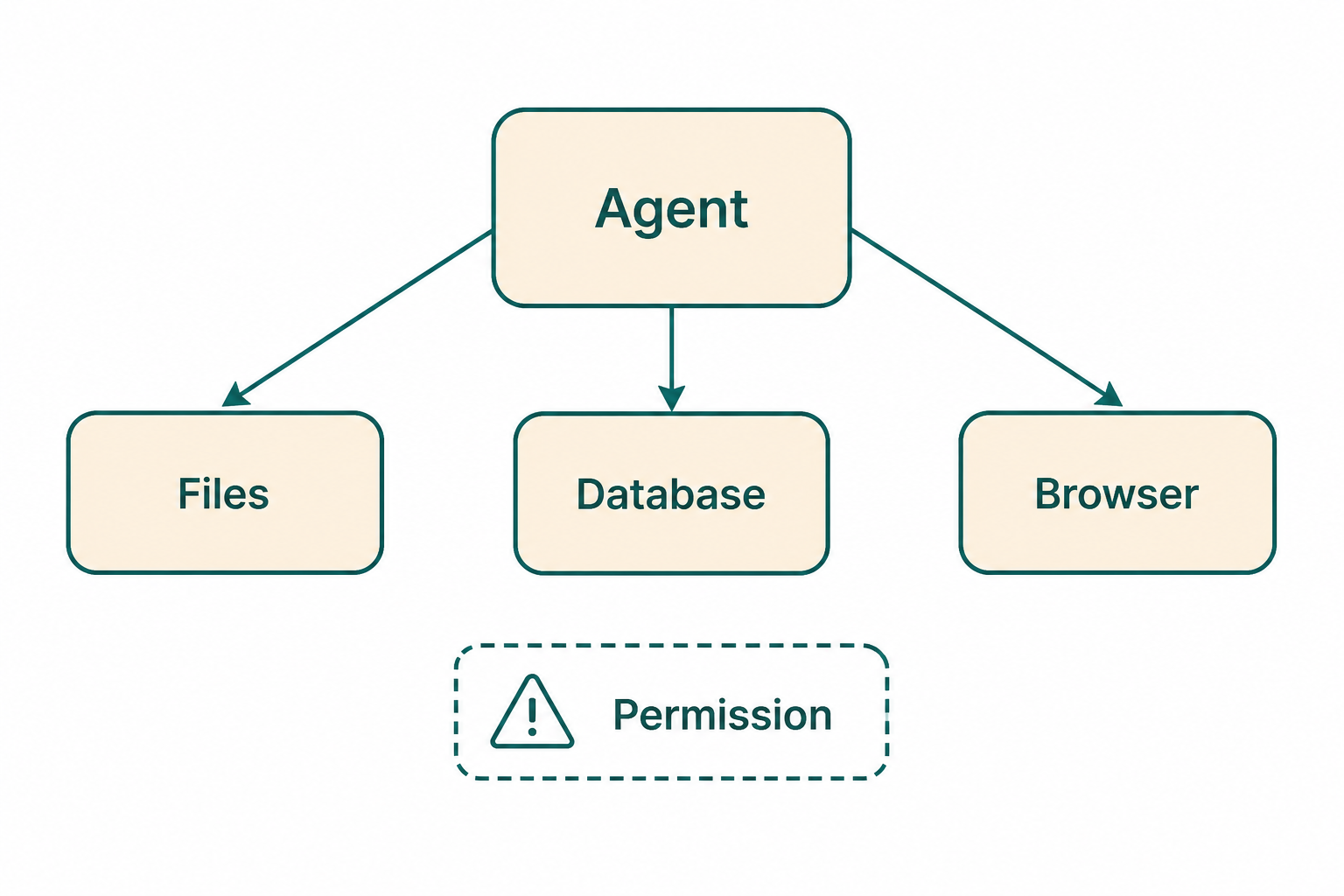
Local process or remote endpoint
Local stdio is a process the client starts. It can see local files. Remote HTTP-style transports take tokens off this machine.
Prefer local filesystem MCP for code and uncommitted files. Prefer official remote endpoints for SaaS and shared read-only data.
Do not send uncommitted local files to a remote MCP just because the hosted server is fashionable.
- Local files: stdio.
- Hosted APIs: remote transport plus a least-privilege account.
Where secrets live
Tokens go in environment variables or the OS keychain. Repo config keeps placeholders only.
A token that hit chat or a screenshot is leaked. Share config with the team, not a working production token.
Rotate any token that landed in chat, a screenshot, or a committed config.
- Placeholders may be committed.
- Live tokens may not.
Approve calls like you approve diffs
The first successful connection is not permission to write. Stay on a read-only tool until you can explain the arguments.
If the client asks you to approve each tool, read the name and the path. A filesystem server with a wide root is a write waiting to happen.
- Read the tool name and path.
- Stay read-only until arguments make sense.
Keep the set small
Every tool schema spends context at the start of a turn. Idle servers crowd out your code.
Disable what you added when the task ends. See the one-MCP-per-task guide on this site.
Disable the server when the task ends. Idle schemas still spend context on the next turn.
- Prove one read-only call first.
- Add a second server only when the first cannot see the target system.
Prove the process before you blame the model
For stdio, run the same command the config uses in a normal terminal. If it waits on a prompt, the client will only show a timeout.
Docs have described a CLI add flow. If your build has it, use it for one server, then still do the read-only call.
- Run the stdio command in a normal terminal first.
- Add one server, then one read-only call.
MCP mistakes
Ten servers on day one fill the context with schemas and hide your code.
A package-runner typo is a local process you started. Run it by hand first.
- Ten servers on day one.
- Committing a live token.
MCP checklist
Done means one read-only tool returned a result you expected, with secrets still out of git.
- One server.
- Read-only first.
- Secrets in env, not git.
Next: choose a workplace, not a slogan
The comparison chapter is for people who already have Cursor muscle memory.
If MCP is already failing, skip ahead to troubleshooting.