Why the name is confusing
Early Codex often meant an autocomplete model. Search results now usually mean OpenAI coding agents that read a repo, run commands, and propose edits.
You do not need internal code names. Today you are installing a task agent, not a three-line completer.
If a teammate says they use Codex, ask whether they mean a ChatGPT cloud task, a local CLI, or the editor extension.
If a search result still talks about Codex models for autocomplete, treat it as history. This course is about the coding-agent product you can open from ChatGPT, a terminal, or an editor extension.
What each door is good at
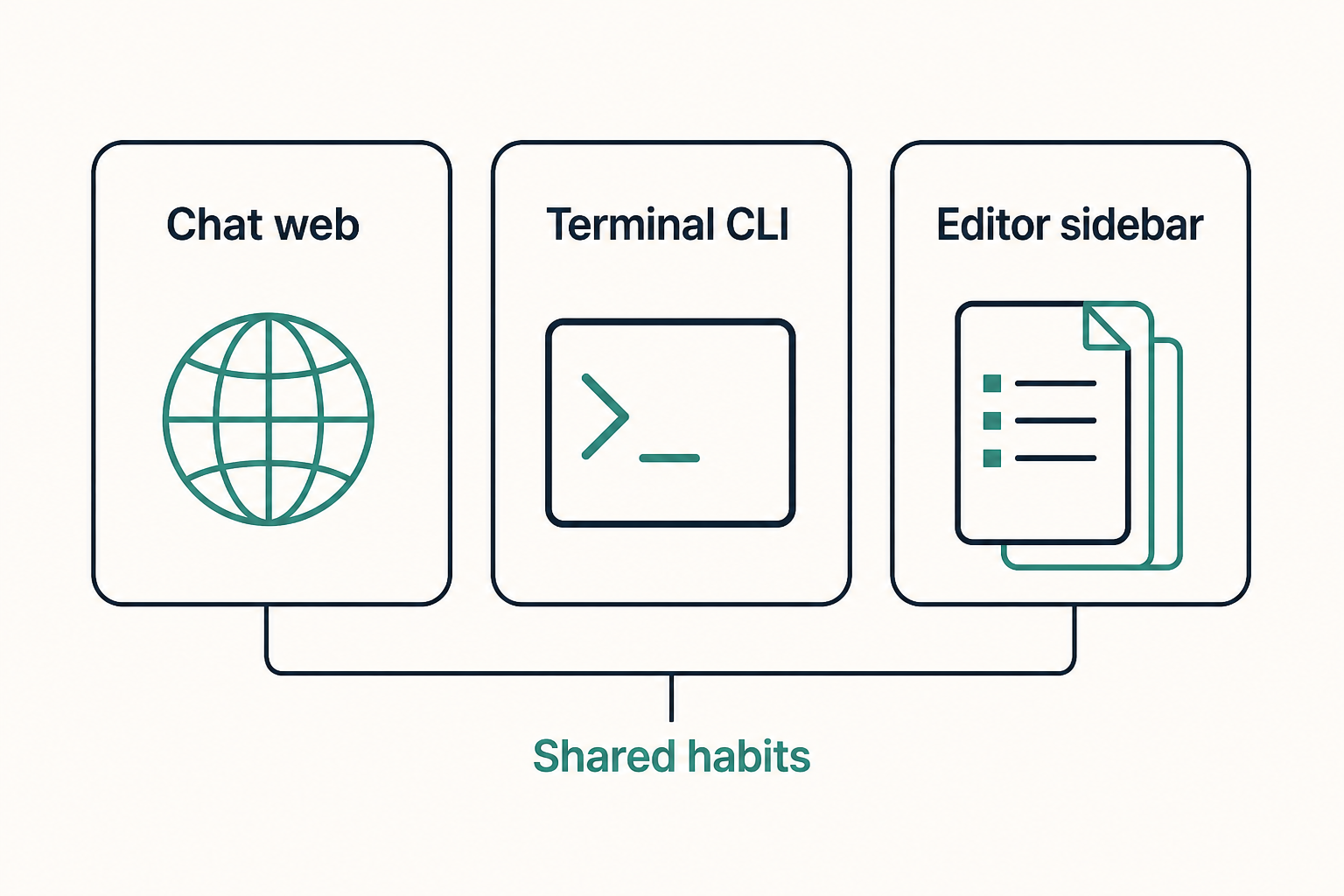
ChatGPT Codex fits long tasks when you are already in a browser and the repo is connected. The CLI fits people who already live in logs and tests. The extension fits people who click a file tree and a diff.
Official material presents them as doors into one product. Login and config are often shared. Switching windows is not switching brains.
Beginners should pick one door. Configuring three at once makes every failure ambiguous.
A cloud task and a local CLI session can both edit a connected repo, but they do not always see the same files. Uncommitted laptop work is local until you sync or work in that directory.
- Browser or desktop: remote workspaces and longer cloud tasks.
- CLI: you already have a terminal open in the repo.
- IDE extension: inline diffs and clicking files.
How to pick a first door without shopping
Ask where you will read the first diff. If the answer is a terminal, start with the CLI. If the answer is a sidebar next to the file tree, start with the extension. If you are already in a ChatGPT workspace with the repo attached, start there.
Switching later is cheap compared with debugging three half-logins. The install chapter will not ask you to configure every door.
- CLI first: you already run tests in a shell.
- Extension first: you live in a file tree and inline diffs.
- ChatGPT first: the workspace is already connected.
How briefs, skills, and MCP stack
AGENTS.md is always-on. Skills load per task. MCP is a hand outside the repo.
Write a short brief first, extract repeated tasks into skills, then wire tools. The reverse order gives you an agent that calls SaaS and still does not know your repo.
Think of the stack as always-on, on-demand, and outside. Mixing those layers in one file is how briefs become unreadably long.
- AGENTS.md stays short and always on.
- Skills load when named or matched.
- MCP only for capabilities the repo does not already have.
What Codex is not
It is not a reason to skip diffs or merge secrets. You remain the author.
It is also not Cursor or Claude Code. Those can be excellent; their config paths differ.
It is also not a substitute for code review or for your team threat model. An agent that can run commands is more capable and more dangerous than a chat box.
- Not auto-merge without a diff.
- Not an official security audit.
- Not a one-click installer in this site browser.
When it is worth opening
If the job can be written as do this in these files and verify with this command, it is worth it. A single syntax question is faster in plain chat.
The larger the repo, the sooner you need AGENTS.md. Without a brief, the agent applies average internet habits.
A good first week of tasks: add a test, fix a type error, update a checklist, draft a PR description. A bad first week: rotate production credentials, rewrite the build, or just clean up the repo.
- Worth it: add a test, fix types, open a PR from a checklist.
- Not first: production data migrations or permission changes nobody reviews.
What a first CLI glance looks like
After install, official docs have often shown a version or help invocation and then an interactive session started from a repo directory. We do not pin a patch version here. If the documented help command prints usage, the binary is on PATH.
If the shell says the command was not found, stay on the next chapter. Do not invent a second installer from a random blog.
- Help or version from a fresh terminal.
- Change into a throwaway or practice repo first.
- A read-only question beats a write on day one.
Common mix-ups about the product
People collapse Codex into the model inside ChatGPT. That hides the local CLI, the config directory, and the fact that MCP runs as a process on your machine.
The other mix-up is treating the IDE extension as a different agent with a different brief. It usually is not. Contradictory rules across doors waste a week.
- Installing from an unofficial publisher in the marketplace.
- Assuming a cloud task can see unsynced files.
- Skipping AGENTS.md because the README is long.
Leave this chapter knowing
You should be able to say which door you will install and what you will not ask the agent to do this week.
- Name the three doors in your own words.
- Pick one door for install.
- Write one ban you already know (secrets, prod data, force-push).
- Open official docs beside the next chapter.
Next: install one door
The install chapter picks a door, signs in, and runs a harmless self-check. It still will not attach MCP.
If your account does not show Codex at all, stop and check the product page. This course cannot unlock a region or plan.