When you actually need MCP
Files and commands inside the repo are already enough. MCP is for issues, docs sites, a browser, or a read-only database—hands outside the tree.
Wiring tools so the setup “looks like AI” is the usual waste and a common secret leak.
If a skill plus one shell command finishes the job, skip MCP.
How to add the first server
Put the server in config as official docs show, or use the TUI MCP panel. Field names follow that day.
Pick one read-only, preferably local server whose docs or source you can read.
Run inspect, confirm the name, then try one read-only tool call.
On failure, check process start, working directory, and permissions before switching models.
- Choose one read-only server.
- Write config or use the panel.
- Confirm with inspect.
- Try one read-only task.
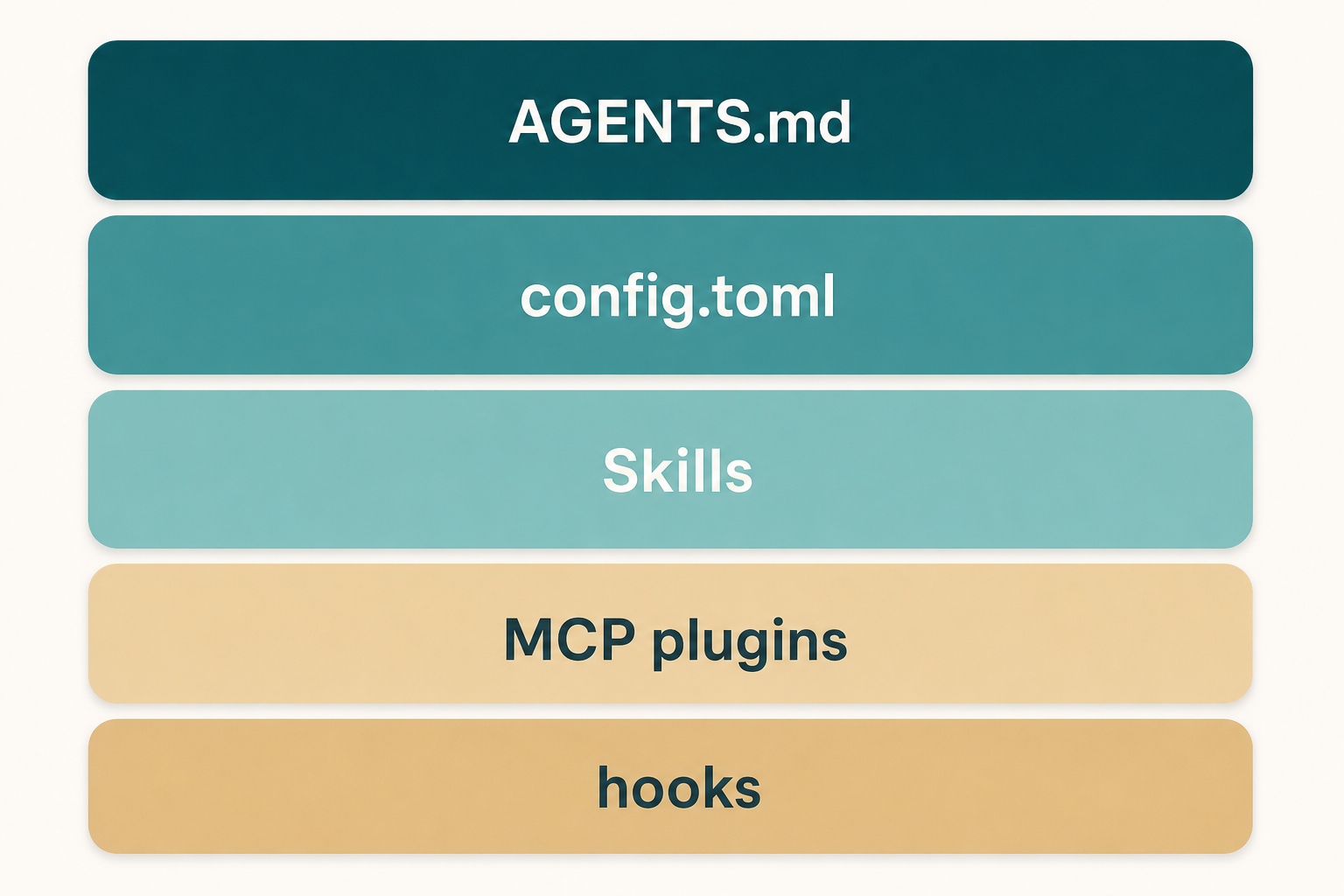
Use inspect to see if MCP is really there
inspect lists MCP discovered for this directory. A checkbox in a panel that inspect cannot see is not in this session.
TUI MCP slash commands usually open the same extensions modal on a different tab.
- inspect before you complain the tool is missing.
- Write down the server name so prompts do not invent one.
Just enough transport
Local stdio or remote HTTP. You own the local process working directory and env.
Remote endpoints add auth and timeouts. This site has shorter transport notes; here you only need to name which one you use.
- Local process: command and directory.
- Remote: URL, auth, timeout.
Where secrets go
Environment variables or a system vault. Not json, toml, or skill files in the repo.
Replace placeholders with variable names, not real tokens.
Shared team config shares names and launch commands only.
- Secrets stay out of git.
- Config keeps variable names.
- Restart the session after you rotate a token.
Keep it one server
One MCP, one task. Huge tool results shove your instructions out of context.
A read-only database can be fine. Writes need a separate review.
Directory pages on this site will not install anything in your browser.
- One at a time.
- Read-only first.
- Switch to a narrower tool if results are huge.
Marketplace and plugin MCP
A marketplace may recommend servers. Still filter on source, permissions, and read-only.
Enterprises follow an internal allowlist, not a popularity chart.
- Review, then install.
- inspect after.
- Disable what you do not need.
MCP mistakes to block
Browser, mail, and a writable database on day one.
Checking a token into project config and opening a PR.
- Skipping inspect.
- Practicing on a writable server.
- Ten servers at once.
Done looks like this
One read-only server appears in inspect, and you have seen one tool result.
- Instructions say when it may be used.
- The key is in the environment.
- You only ran a read-only trial.
- You know how to turn it off.
Next: compare with Codex
The comparison chapter helps you decide what stays on Grok Build versus Codex or another tool.
If MCP is stuck, skip to troubleshooting.