Where config files live
User config is commonly ~/.grok/config.toml, with the Windows equivalent under the user profile. Projects may add local overrides; inspect lists the sources it used.
Public docs have shown custom models in user config: model id, base_url, display name, env key, and a default. Field names follow that day's docs.
After you edit, run inspect, then pick the model with /model or headless -m. Do not assume save equals a live session.
- Find the user-level config.toml.
- Add only fields you understand.
- Re-check with inspect.
Treat grok inspect as a checkup
inspect shows config sources, instructions, skills, plugins, hooks, and MCP for the current directory. It is the first troubleshooting cut and the map before you write instructions.
If a skill or MCP is missing, check paths and the project root before blaming the product.
Treat the output as a checklist, not something to paste in public. It may contain server names and paths.
- Confirm you are at the repo root.
- Note instruction and skill sources.
- Missing items: fix paths first.
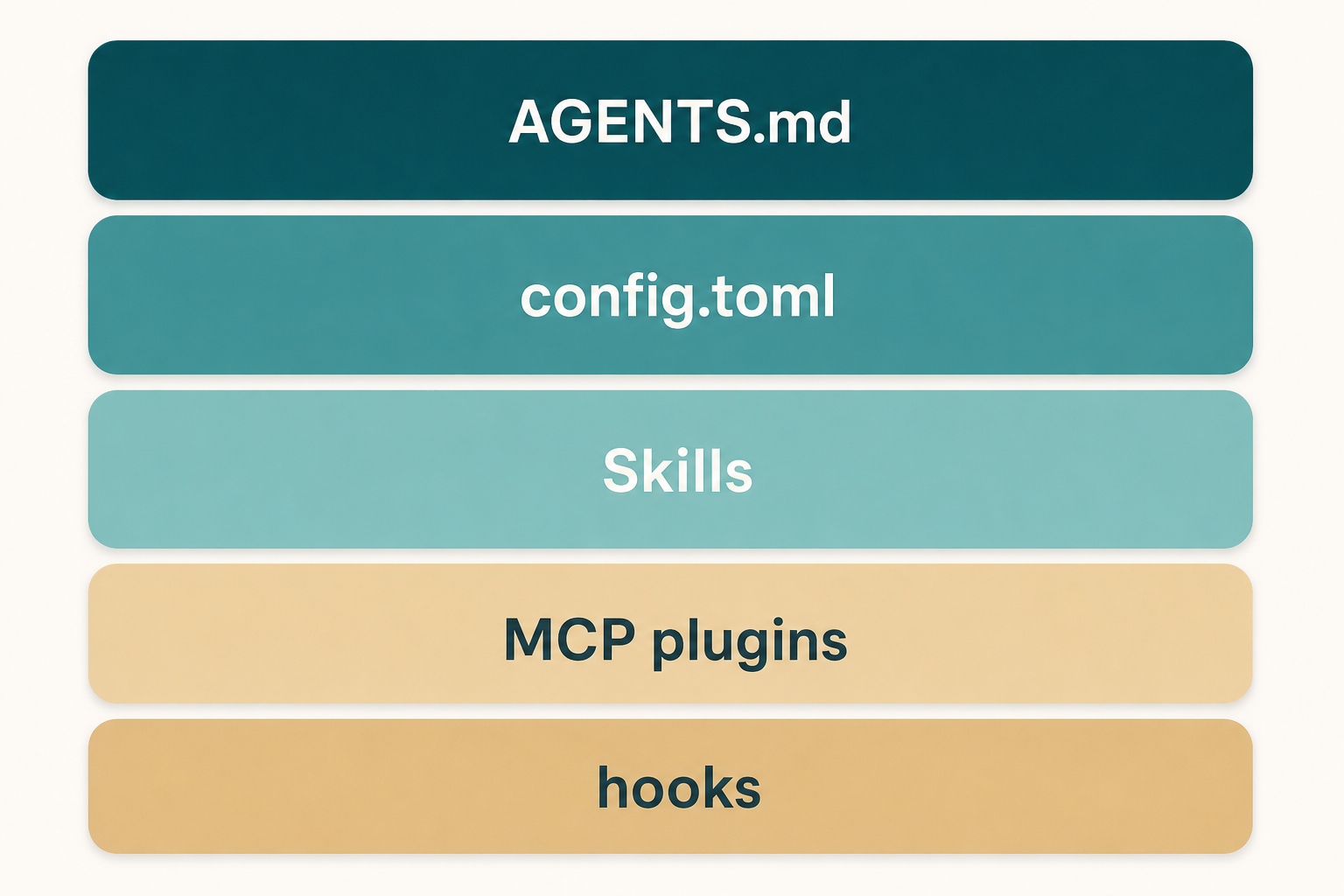
What belongs in AGENTS.md
Always-on facts: language, package manager, test command, forbidden paths. Not team-culture prose.
Write only what the agent will get wrong without help. Do not recopy the README architecture story.
One repo file is enough. User-level notes can add personal habits. If they fight, keep the one you actually want and delete the other.
- Test commands must run on your machine.
- Bans are paths, not adjectives.
- Short first.
Models and /model
Public material has named Grok 4.6 as one model that powers Build, and it also allows custom models. Defaults change.
Switch in the TUI with /model. Headless uses the documented model flag. Try a small task after switching.
Custom models need a correct base_url and env key name. inspect often shows the mistake earlier than the error toast.
- Write down the current default.
- Keep custom models in their own section.
- Do a read-only check after switching.
Plugins and marketplaces
Plugins are installable extensions; marketplaces are discovery. Week one: one item you can explain.
The TUI usually exposes plugin and marketplace commands. inspect immediately after install.
- Official or reviewed sources only.
- inspect after install.
- Turn off what you do not need.
What hooks are for
Hooks insert your check at a lifecycle point, such as blocking a dangerous command. They are not a second instruction file.
Start with one read-only or deny rule. A bad hook makes sessions hard to explain.
- One hook, one job.
- Prove it in a practice repo.
- Confirm load with inspect.
Worktrees and subagents
Public features include worktrees and subagents for isolated parallel edits. They are optional in week one.
Only fan out after you can review a single-session diff. Otherwise you parallelize confusion.
- Master one session first.
- Prepare a branch or worktree before parallel work.
- Every subagent needs a verify command.
Config-stage mistakes
Pasting another team's full config, including their MCP and secret variable names.
Writing a novel while inspect still cannot find a test command.
- Adding plugins before inspect.
- User-level and repo-level rules that fight.
- Secrets inside toml.
Done looks like this
You can point at the config file, the instruction source in inspect, and three bans.
- Opened user-level config.toml.
- Ran inspect.
- Repo has a short AGENTS.md.
- No secrets in files.
- You know where /model lives.
Next: turn repetition into a skill
The skills chapter writes a reusable playbook and uses /skillify after a turn you liked.
MCP still waits one more chapter. Stabilize instructions first.