Claude, Claude Code, and a repo agent
Claude names a model family and a chat product. Claude Code is the repo-facing agent that lives in your project directory. If a teammate says they use Claude, ask whether they mean the website, the API, or the local claude command.
Public docs describe an agent that reads the codebase, edits files, runs commands, and connects to other tools. That is a different job from autocomplete in an editor gutter.
The official overview and product pages are the place to re-check names after a launch week. This course does not freeze a model id as the only answer.
Desktop, IDE, and web sessions still count as Claude Code. They are doors, not separate products with separate instruction files.
The surfaces you will actually meet
The terminal is the full CLI: start it in a project, talk, approve, and watch commands. Most install pain is PATH and login here.
IDE extensions put diffs beside the tree. JetBrains still expects the CLI nearby. The desktop app exists for people who do not want a shell. Web and mobile cover long jobs and repos you do not have locally.
Public material also talks about GitHub automation and @claude-style mentions. Treat those as later doors, after a local review loop works.
- Terminal CLI in the project directory.
- VS Code / Cursor / JetBrains extensions.
- Standalone desktop app.
- Browser and GitHub-side jobs.
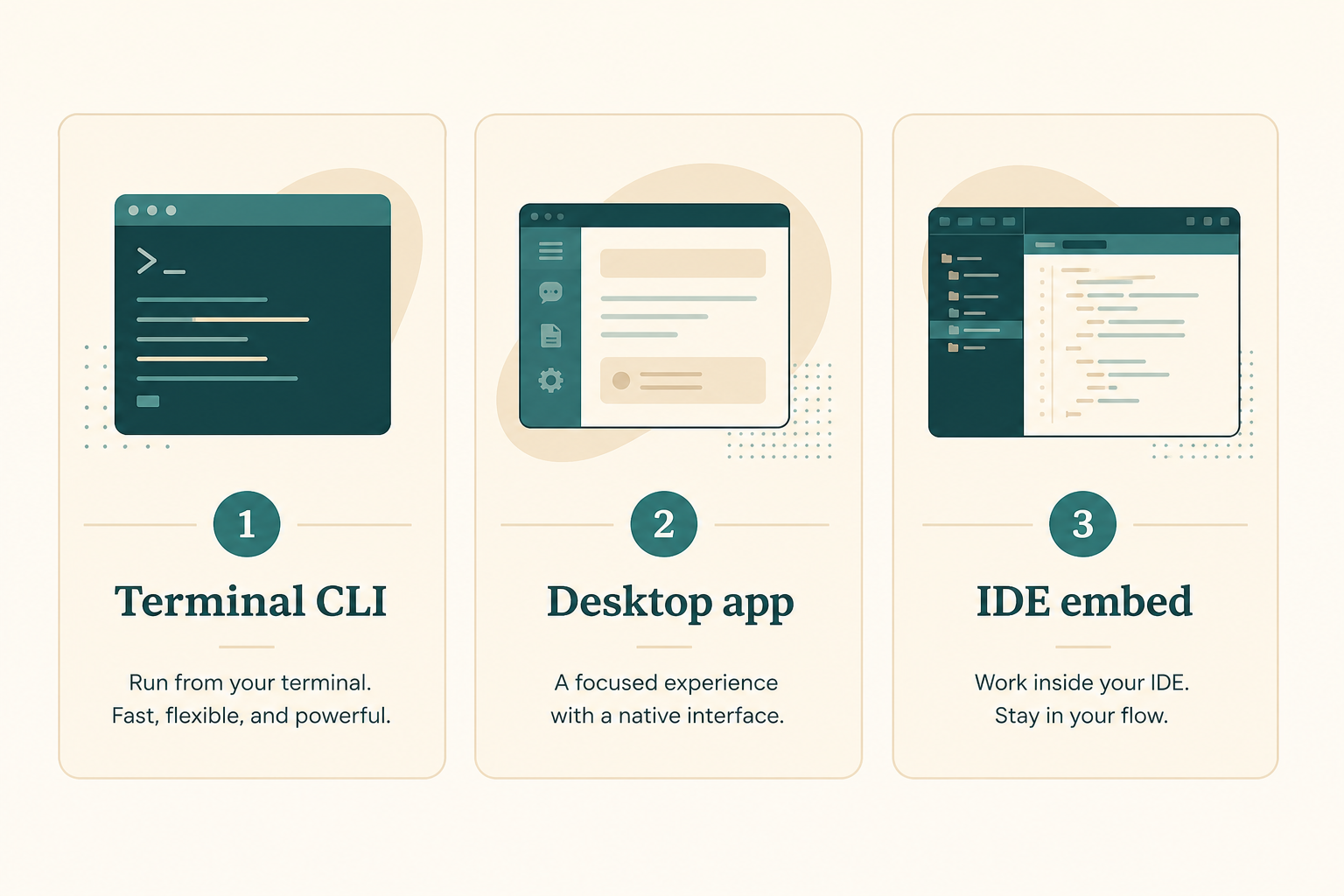
Which door to open first
Ask where you will read the first diff. Fullscreen terminal means start with claude. Fear of the shell means desktop. An editor you already live in can wait until the same binary works in a terminal.
Two doors on day one create two binaries and one confused PATH.
- One door this week.
- Same CLAUDE.md no matter which door.
- Remote GitHub jobs after a local success.
The habit stack
Always-on project facts go in CLAUDE.md. Repeatable playbooks become skills. Outside systems arrive through MCP.
Settings and extra project files may live under a .claude directory. Do not start there. Start with a short instruction file.
doctor is how you see whether the client found those layers. It is read-only diagnostics, not a session.
- CLAUDE.md for facts the agent will get wrong.
- Skills for procedures you repeat.
- MCP for systems that are not the git tree.
- doctor to see what actually loaded.
What it is not
It is not a silent CI that you owe a merge. You still read the diff.
It is not a replacement for git, tests, or code review. It can stage and open a PR; you still own the push.
It is not the same as pasting a file into claude.ai. Uncommitted laptop edits stay local until a session in that directory sees them.
- Not a snippet chatbot.
- Not an excuse to skip tests.
- Not a second source of truth besides git.
When to use it this week
Good first jobs: explain a folder, add a test, fix a lint you can already reproduce, draft a small function behind a flag.
Bad first jobs: production incident, secret rotation, a rewrite of the billing module.
If you cannot revert, you are not ready for a write session.
- Practice repo or a well-known side project.
- One ban: no commit, or no push, said out loud.
- A verify command you can run yourself.
The first commands, conceptually
Install is the next chapter. Conceptually you will open a new terminal, cd to the project, run claude, then claude --version and claude doctor.
If command-not-found appears, that is PATH, often ~/.local/bin, not a model outage.
- New terminal after install.
- claude in the project root.
- claude --version and claude doctor.
Naming mistakes
Calling every Anthropic window Claude Code.
Assuming the desktop app and an old global Node binary share one config.
- Writing instructions before you can launch.
- Mixing Windows native and WSL homes.
- Promising the team a price you invented.
Done looks like this
You can explain Claude Code in one sentence and name the door you will install.
- You can tell chat from Code.
- You picked one door.
- You know doctor exists.
- You have a practice repo in mind.
- You will not start with MCP.
Next: install one binary
The install chapter uses the native 2026 scripts, then brew or WinGet, and refuses a Node global as the default.
Bring a new terminal and a project path. Leave CLAUDE.md for chapter 4.