Why a markdown file beats a longer prompt
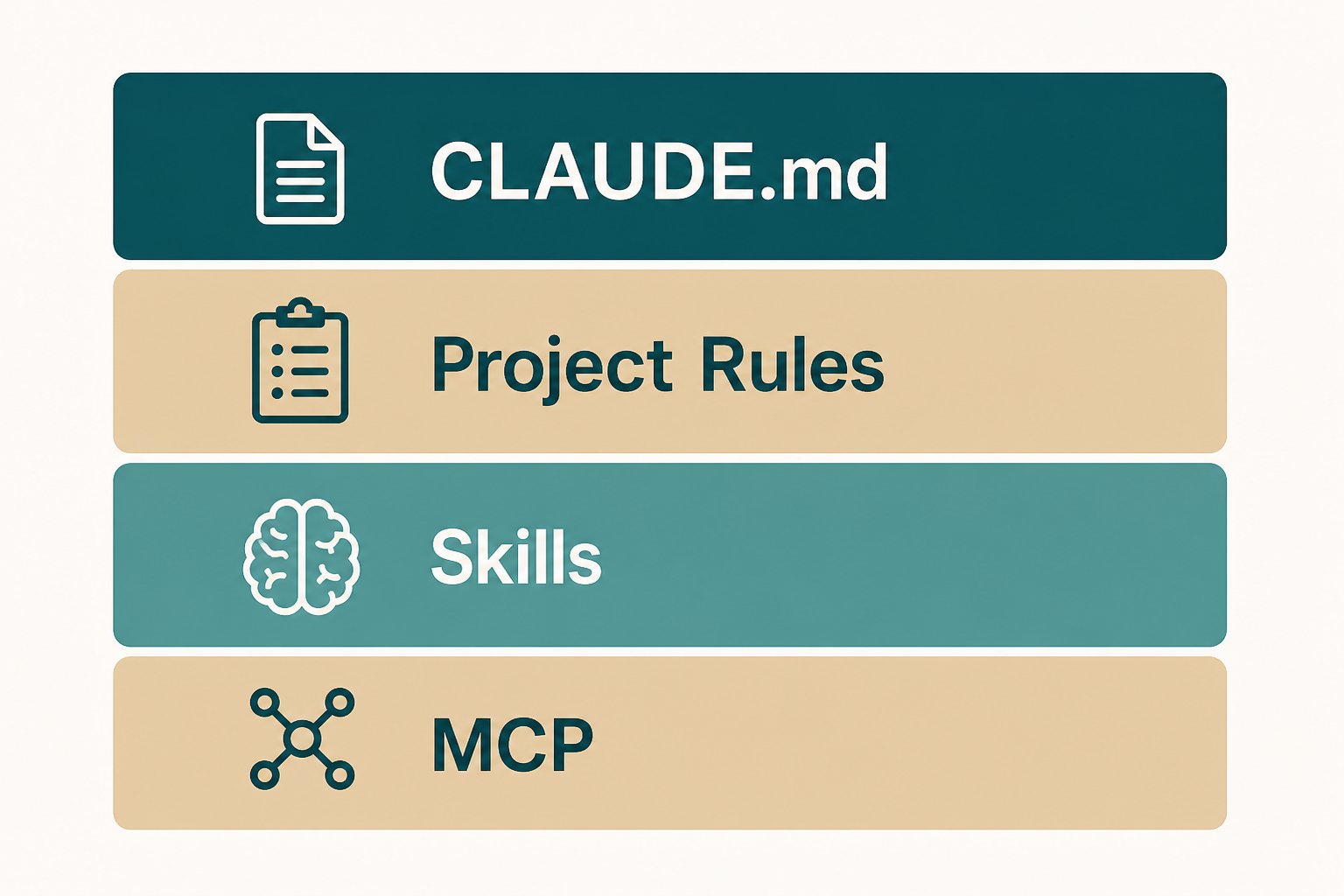
CLAUDE.md is the public, durable place for language, package manager, test command, and forbidden paths. You should not retype those every session.
It is not a vision deck. If a sentence will not change an edit, delete it.
Official docs also describe extra memory the product may keep. This course still starts with a file you can diff in git.
Where it lives
Put the first file at the repo root so every surface can see the same brief. Nested files can wait until a monorepo actually needs them.
User-level notes are for personal habits. If they fight the repo file, keep the one you want and delete the other.
doctor and a new session are how you check that the file loaded. Do not assume save equals a live brief.
- Root CLAUDE.md first.
- Commit it if the team should share it.
- Confirm a new session sees it.
What to write
Always-on facts: runtime, package manager, how to run tests, codegen you must not touch, secrets paths.
Write only what the agent will get wrong. Do not recopy the README architecture story.
Use short bullets. Link to a doc instead of pasting a style guide.
- Test command must run on your machine.
- Bans are paths, not adjectives.
- Short first.
Repo, user, and nested scopes
Repo file is the team contract. User file is your laptop. Nested files are for packages that truly differ.
If two files disagree on the test command, the agent will look lucky or stupid at random. Pick one.
- One source of truth for tests.
- Nested only when packages differ.
- No secrets in any of them.
Auto memory is not a substitute
The product may save learnings across sessions. Treat that as bonus, not as the file you skip writing.
Anything the next teammate needs belongs in git, not only in your local memory store.
- Team facts in CLAUDE.md.
- Personal shortcuts can stay local.
- Do not store tokens in memory notes.
Settings are not instructions
Permissions, models, and MCP live in settings files. Do not hide the test command only there.
If you edit settings, run doctor. A typo there looks like a model failure.
- Instructions = markdown facts.
- Settings = client behavior.
- doctor after edits.
How a team uses one file
Review CLAUDE.md like code. A drive-by paragraph that bans a library should get a comment.
Keep it under a size you would actually read in a PR.
- PR the file.
- Delete stale bans.
- Point newcomers at it in onboarding.
Instruction-stage mistakes
Pasting another company's full CLAUDE.md, including their cloud names.
Writing a novel while doctor still cannot find the file.
- Secrets in markdown.
- User and repo rules that fight.
- README clone.
Done looks like this
You can point at three bullets the agent must not ignore.
- Root file exists.
- Test command is real.
- Bans are paths.
- No secrets.
- New session sees it.
Next: turn repetition into a skill
The skills chapter packages a playbook you keep rerunning.
MCP still waits one more chapter.