What a skill is for
A skill packages a procedure: when to use it, what to check, and which commands to run. Reviewing a PR, cutting a release note, or applying the house lint are good first skills.
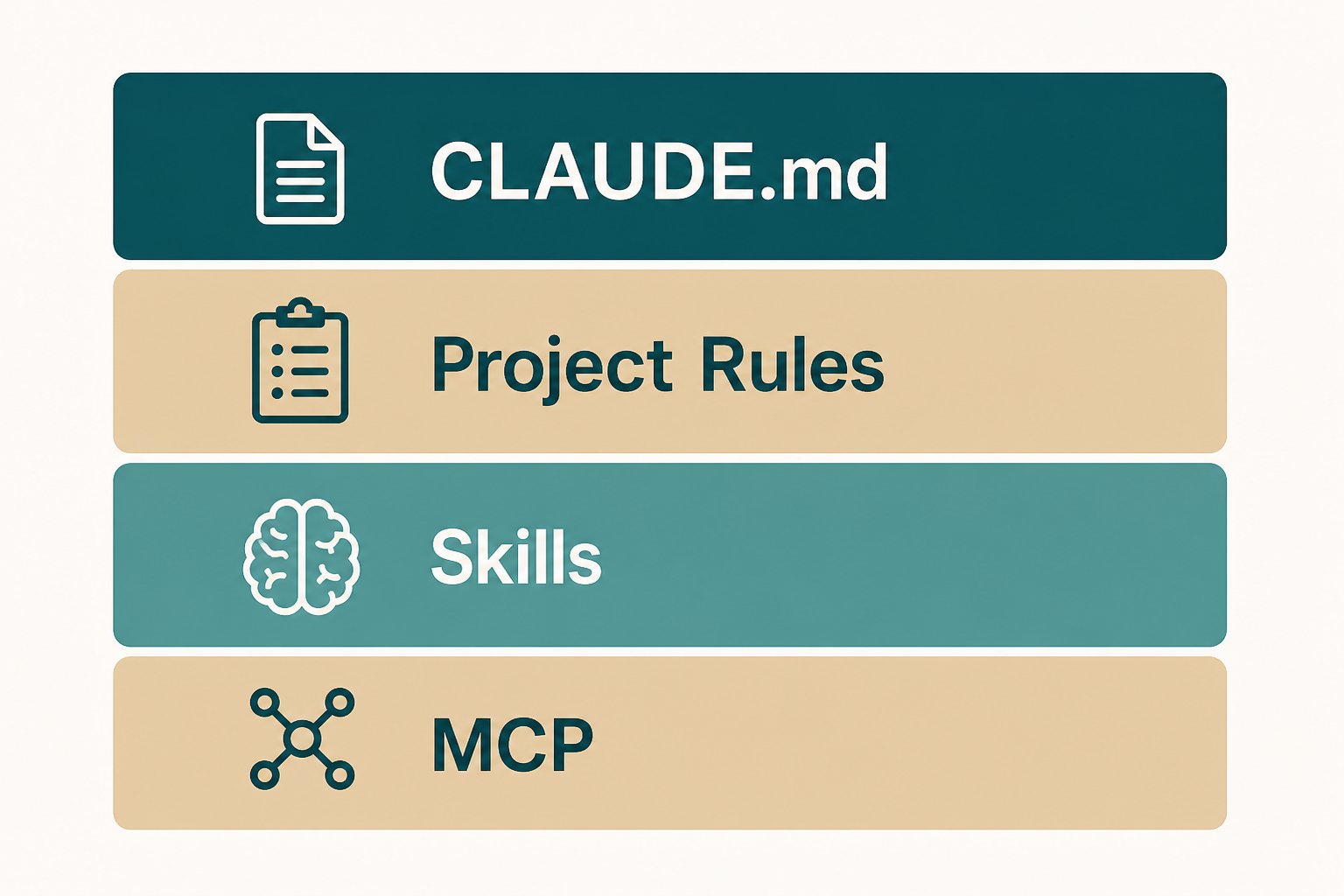
It is not a second CLAUDE.md. Instructions stay always on. Skills load when the job matches.
If you cannot say the trigger in one sentence, it is not ready.
Where skills live
Project skills belong in the repo so teammates get them. Personal skills stay on your machine. Official docs describe the directory layout; copy today's layout, not an old gist.
After you add one, start a new session or follow the client's reload path. doctor-style checks and a tiny invocation beat guessing.
- One project skill in git.
- Personal skills off the repo if they are yours alone.
- Reload before you call it broken.
Write a thin skill
Name, description, and the steps. Include the verify command. Link out instead of pasting a book.
Say what not to do: no production deploy, no secret files.
Keep it runnable on a fresh clone.
- Trigger sentence.
- Steps a new hire could follow.
- Verify command.
- Bans.
How you invoke it
Many builds expose a slash command or a skill name. You can also ask in plain language if the description is clear.
First invoke on a tiny stand-in, not on the release branch.
- Tiny repo or branch.
- Watch which files it touches.
- Then use it for real.
Skills and CLAUDE.md
CLAUDE.md says how this repo works. The skill says how this workflow works. If both repeat the test command, keep the command in CLAUDE.md and point the skill at it.
Do not hide architecture bans only inside a skill nobody triggers.
- Always-on facts in CLAUDE.md.
- Procedures in skills.
- One test command.
Hooks are not skills
Hooks run your command at a lifecycle point, such as after an edit. They are complementary and easy to overdo.
Week one: zero or one hook. A bad hook makes every session hard to explain.
- One hook, one job.
- Prove it in a practice repo.
- Skills first if you are unsure.
Skill-stage mistakes
Dumping a chat log into a skill file.
Ten skills before one of them has a verify command.
- Secrets in the playbook.
- No trigger sentence.
- Skill that restates CLAUDE.md.
Done looks like this
You invoked one skill on a tiny task and kept or reverted the result.
- One skill written.
- Trigger is one sentence.
- Verify exists.
- Teammate could run it.
- No tokens.
Next: one MCP server
MCP connects systems that are not the git tree. Skills stay in-repo procedures.
Do not add three servers the same night.