What to prepare
Use a practice repo or a small project you know. Confirm git status is clean or that you can revert.
Start claude in the project directory. If you are still stuck on login or PATH, return to install or troubleshooting.
Name one ban for this round: no commit, no push, no secret files.
- Pick a practice repo and enter it.
- Confirm you can revert.
- Write down what this round must not do.
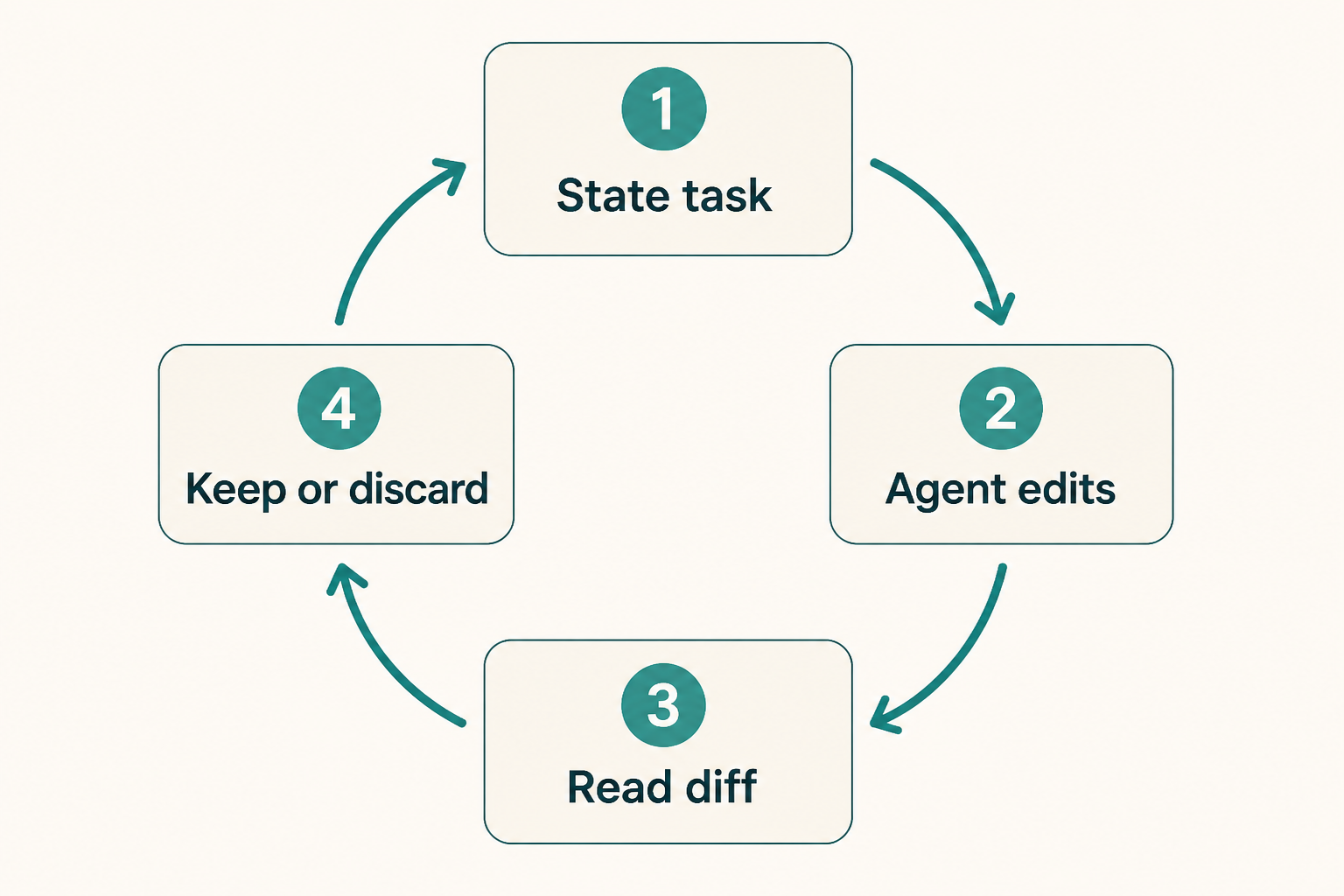
The loop: ask, watch, review
State the job in one paragraph: files, verify command, and the ban. If the client offers a plan mode, use it on day one.
Watch which files it opens. If it walks into secrets or vendor noise, stop the turn.
The success test is a diff you understand, not a confident summary.
- One job, one verify command.
- Stop if it leaves the agreed files.
- Read every hunk.
Write a boring first prompt
Good: add a unit test for function X in file Y, run the test command, do not commit.
Bad: make the app better, or refactor everything that looks messy.
Include the language and package manager if the repo is not obvious.
- Name files.
- Name the verify command.
- Repeat the ban.
What you will see in the session
The terminal session shows tool calls, file edits, and questions. Approve reads more freely than writes if you are nervous.
Slash commands and shortcuts change between builds. Trust the in-client help, not a screenshot from last quarter.
- Read tool names before approve.
- Interrupt a bad loop early.
- Do not paste .env to explain a failure.
Review like a teammate
git diff, then the verify command you named. If tests were not run, run them yourself.
Ask for a smaller patch if the diff includes drive-by formatting.
Only then decide whether to keep the files. Keeping is not committing unless you said so.
- Read the diff.
- Run the verify command.
- Keep or revert.
Headless can wait
The CLI can take a prompt non-interactively for scripts. Week one is easier in an interactive session where you see each tool call.
If you already need a pipeline, copy the flag from today's CLI reference, not from memory of this paragraph.
- Learn interactively first.
- Scripts after you trust the prompt.
- No secrets on the command line.
When the first task fails
Wrong directory: doctor and pwd. Wrong binary: which claude.
Model wandering: shrink the file list. Tests red: read the failure, do not retry the same prompt three times.
Login loops belong in troubleshooting, not in a longer prompt.
- Check directory and binary.
- Shrink the job.
- Revert and write a smaller ask.
First-task mistakes
Asking for a commit in the same breath as the first edit.
Skipping the diff because the summary sounded sure.
- Production repo on day one.
- MCP in the first hour.
- No revert path.
Done looks like this
You have a kept or reverted diff and a verify command you ran yourself.
- Practice repo.
- Ban spoken.
- Diff read.
- Verify ran.
- No commit unless you chose it.
Next: write CLAUDE.md
The next chapter writes the short instruction file the agent should see every session.
Skills still wait. Stabilize one loop first.